About
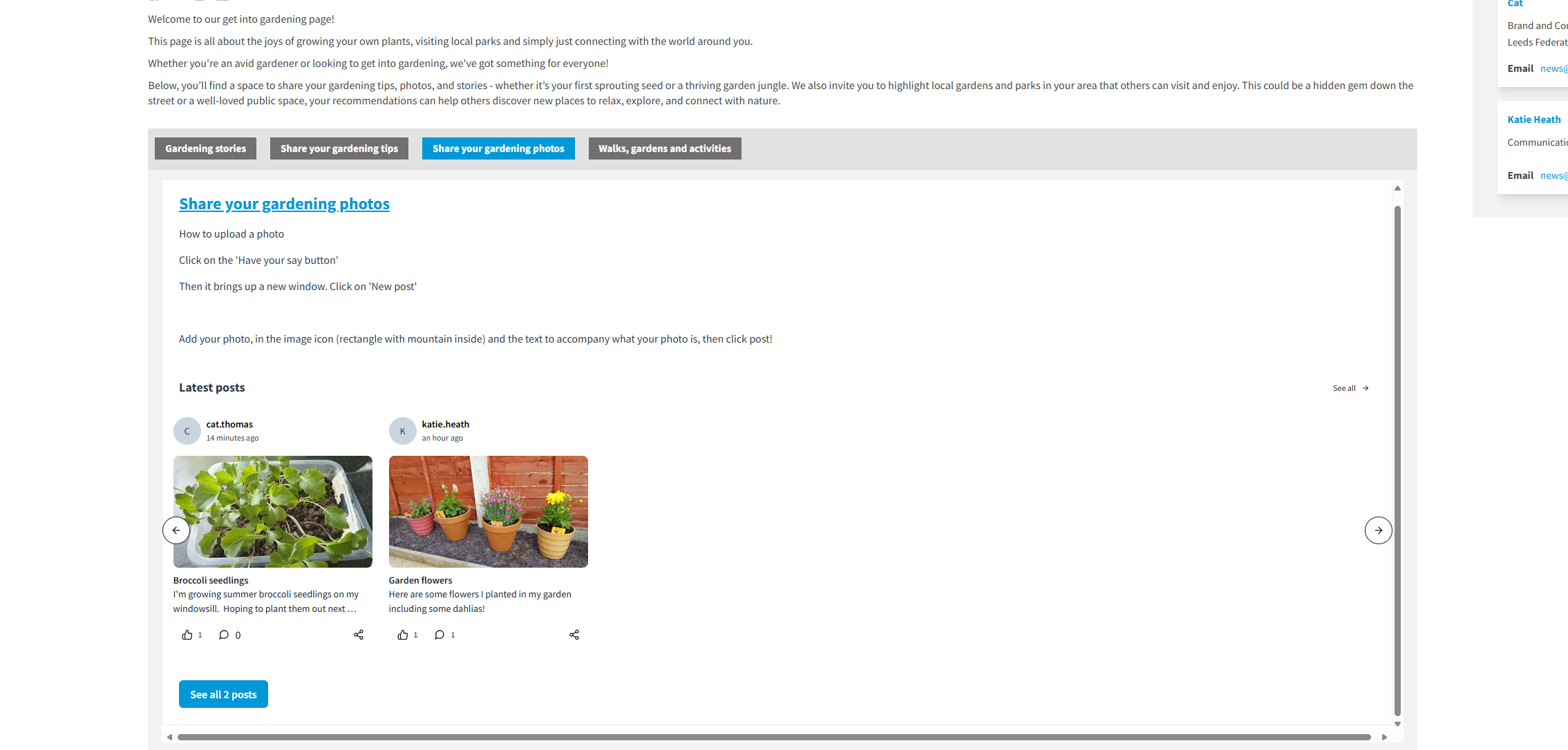
Share your gardening photos
How to upload a photo -
see instructions here: https://yourvoice.lfha.co.uk/get-into-gardening/brainstormers/ideas-tips
Click on the 'Have your say' button underneath the pictures
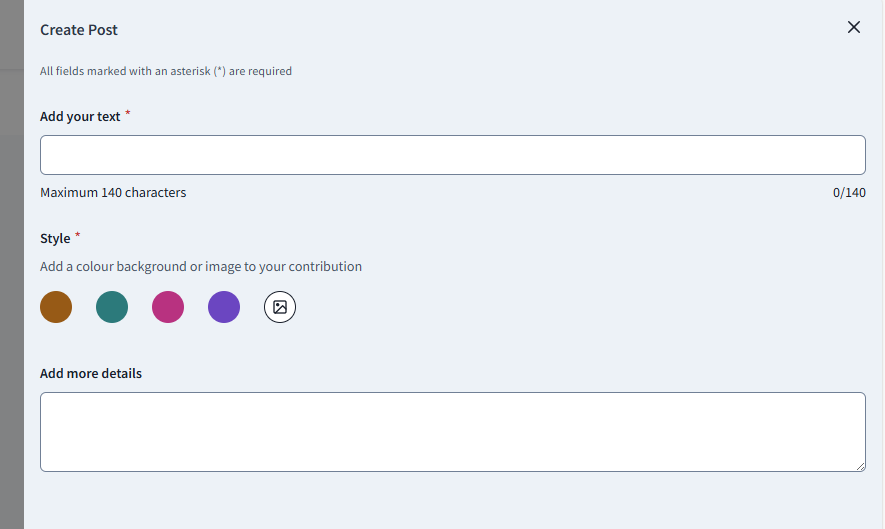
Then it brings up a new window. Click on 'New post' 
Add your photo in the image icon (rectangle with mountain inside) and the text to accompany what your photo is, then click post!